
Fix: Can't Perform a State Update on an Unmounted Component
Separate the old React warning from a persistent resource leak and from out-of-order responses while the component is still mounted.

TL;DR#
The old Can't perform a React state update on an unmounted component warning describes an update React cannot apply after that component has gone. It does not prove a memory leak. Identify whether you have a persistent subscription to release, unnecessary work to cancel, or an older result that must not overwrite current data. Both cancelling a fetch and ignoring its obsolete result can be appropriate.
Why the warning is not a leak detector#
The original Stack Overflow question contains the historical warning. React's announcement removing it distinguishes a forgotten subscription from a Promise that completes and can then be collected. An unfinished request temporarily retaining its callback is not evidence that memory will remain retained indefinitely.
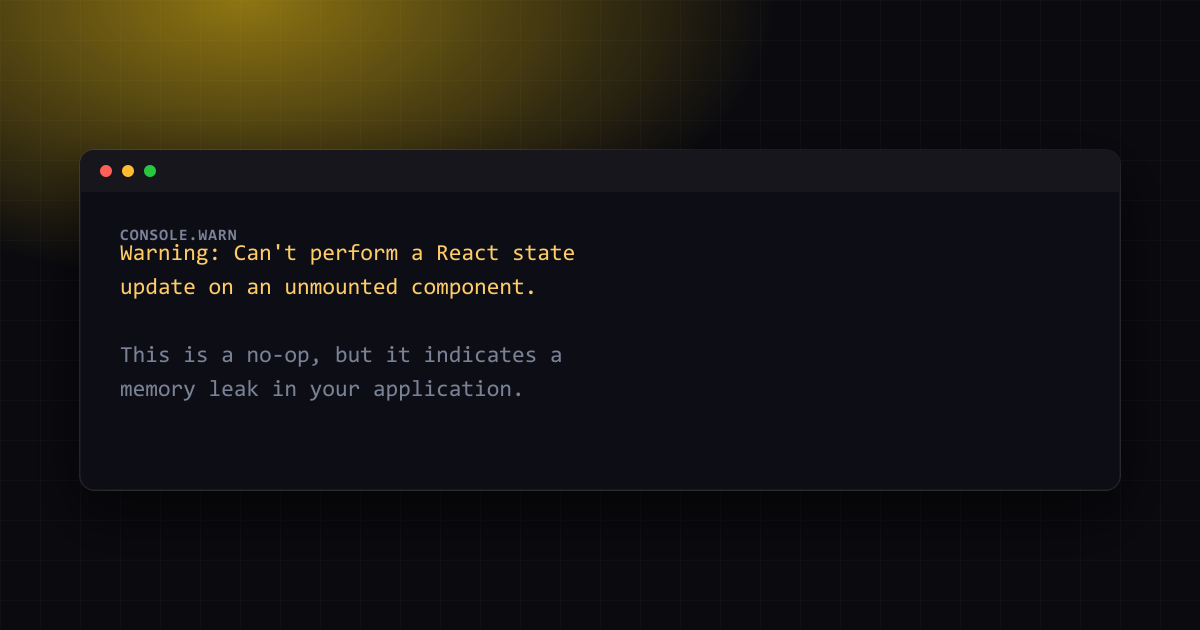
Warning: Can't perform a React state update on an unmounted component.
This is a no-op, but it indicates a memory leak in your application.
To fix, cancel all subscriptions and asynchronous tasks in the
componentWillUnmount method.
For effects, cleanup is the place to disconnect a persistent resource. A component can also have a request-ordering problem without unmounting: change the selected user while its earlier request is pending, and the older response can arrive last. Diagnose these cases separately. The absence of this old warning in a modern React console proves neither that subscriptions are released nor that the displayed data belongs to the current request.
The bug, isolated#
import { useEffect, useState } from 'react';

type User = { name: string };

function UserProfile({ userId }: { userId: string }) {
  const [user, setUser] = useState<User | null>(null);

  useEffect(() => {
    fetch(`/api/users/${userId}`)
      .then((res) => res.json())
      .then((data: User) => setUser(data));
  }, [userId]);

  return user ? <div>{user.name}</div> : <div>Loading…</div>;
}
This component assumes your application supplies a JSON user endpoint returning a name. It omits error handling to isolate ordering. If the component unmounts, a later update cannot change its removed UI. If userId changes while it stays mounted, however, both requests target the same state and can finish in the wrong order. That second case has a visible failure even though there is no unmounted component.
A shared mounted ref does not identify the current request#
Consider this frequently copied guard. The next effect sets the same ref back to true, so an earlier request can pass its check after userId changes:
import { useEffect, useRef, useState } from 'react';

type User = { name: string };

function UserProfile({ userId }: { userId: string }) {
  const [user, setUser] = useState<User | null>(null);
  const isMounted = useRef(true);

  useEffect(() => {
    isMounted.current = true;
    fetch(`/api/users/${userId}`)
      .then((res) => res.json())
      .then((data) => {
        if (isMounted.current) setUser(data);
      });

    return () => {
      isMounted.current = false;
    };
  }, [userId]);

  return user ? <div>{user.name}</div> : <div>Loading…</div>;
}
The relevant identity is the effect execution that started the request, rather than whether some current execution is mounted. A local variable captured by each execution gives the older callback its own invalidation state. This also makes the intended behaviour easy to test: resolve the newer request first, then resolve the older request and confirm that the newer name remains visible.
The fix: invalidate each effect and cancel unwanted fetches#
React's fetching-data guidance permits aborting or ignoring obsolete results. The following replacement combines them: the local ignore variable controls state updates, while AbortController asks the fetch operation to stop. An abort is not a rollback of work the server may already have performed.
import { useEffect, useState } from 'react';

type User = { name: string };

function UserProfile({ userId }: { userId: string }) {
  const [user, setUser] = useState<User | null>(null);
  const [error, setError] = useState<string | null>(null);

  useEffect(() => {
    let ignore = false;
    const controller = new AbortController();
    setUser(null);
    setError(null);

    fetch(`/api/users/${userId}`, { signal: controller.signal })
      .then((res) => {
        if (!res.ok) throw new Error(`HTTP ${res.status}`);
        return res.json();
      })
      .then((data: User) => {
        if (!ignore) setUser(data);
      })
      .catch((err) => {
        if (!ignore && err.name !== 'AbortError') setError(String(err));
      });

    return () => {
      ignore = true;
      controller.abort();
    };
  }, [userId]);

  if (error) return <div role="alert">{error}</div>;
  return user ? <div>{user.name}</div> : <div>Loading…</div>;
}
The ignore check also covers a result whose asynchronous processing reaches your callback after cleanup. If the API you use cannot be cancelled, keep the effect-local invalidation check and handle its eventual result without updating obsolete state. Do not remove a correct ignore guard merely because it leaves a finite Promise running. Use the AbortController reference to check which underlying browser operations accept its signal.
The same pattern for timers and subscriptions#
Persistent resources are a different issue. Remove a listener, unsubscribe from a store or clear a repeating timer using the corresponding API. Merely ignoring state updates does not disconnect an external source that still holds your callback. For example, this component registers and removes the same resize listener:
import { useEffect, useState } from 'react';

function WindowWidth() {
  const [width, setWidth] = useState<number | null>(null);
  useEffect(() => {
    const update = () => setWidth(window.innerWidth);
    update();
    window.addEventListener('resize', update);
    return () => window.removeEventListener('resize', update);
  }, []);
  return <span>{width ?? 'Measuring…'}</span>;
}
Libraries that already solve this for you#
A data-fetching library can coordinate caching and request lifetimes, but check its contract. TanStack Query's cancellation guide explains that unused queries are not cancelled by default; passing its provided signal to the underlying fetch enables cancellation. A cache may intentionally retain a completed result for reuse. Neither a cached response nor an unused request automatically establishes a resource leak.
Verifying the fix#
On 3 November 2026, an isolated Docker reproduction used React 19.2.4 and Node 22.23.4 with jsdom. A finite Promise completed after unmount without updating the removed DOM or crashing. Separately, deferred responses for an old and a new selection were resolved in reverse order. Without a guard, the old value replaced the new value. Adding only an effect-local ignore check retained the new value. The actual output was:
finite Promise completed after unmount; no DOM update or crash
BEFORE no guard: old
AFTER effect-local ignore: new
This controlled test verifies result ordering and post-unmount behaviour, not browser network cancellation or garbage collection. For your application, navigate away during a delayed request and inspect whether the request is cancelled or its result is safely ignored. Then change the selected ID while remaining on the page and deliberately make the older response finish last. Finally, verify that persistent subscriptions disconnect and do not accumulate across repeated mounts.
If development appears to run setup twice, the effect setup and cleanup explanation describes that separate lifecycle check. Keep effect dependencies accurate so cleanup belongs to the intended inputs. In a Next.js app, ensure that code using hooks has the required Client Component boundary. Repair the resource or the ordering problem you actually observe; the historical warning alone cannot identify which one you have.
Further reading: Fix Next.js 'Cannot Have a Negative Time Stamp' Error.
One email a month — the latest explained errors
What the site published that month — mostly Next.js, Supabase and Node errors, explained. You confirm by email; unsubscribe any time in one click.
Frequently Asked Questions
Still stuck? Paste your error.
Paste the error message or stack trace — we check it against every fix and tool on the site.


Continue Reading
React Hook useEffect has a missing dependency: the fix
The three warnings this rule prints for one fetch function, which remedy each one wants, and a measured run showing what silencing it costs when a prop changes.
Fix: error while hydrating, root switched to client render
Why this error takes down the whole page instead of one component, and the two separate causes behind it: broken DOM nesting and no Suspense boundary above the failure.
Fix localStorage is not defined after 'use client' (Next.js)
The cookie banner from the Stack Overflow question, rebuilt on Next.js 16.3.8: why 'use client' does not stop the crash, the useEffect fix, and the other errors Node 25 and 26 print.