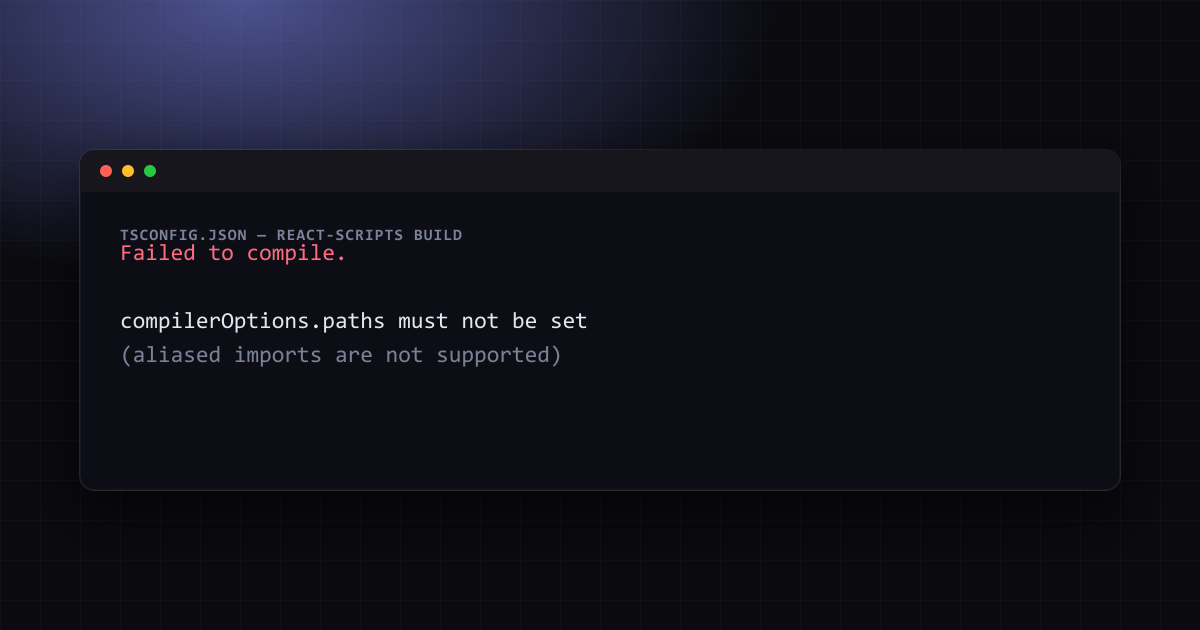

Fix: compilerOptions.paths Must Not Be Set (Alias Imports)
A tsconfig "paths" alias that works with the TypeScript compiler but breaks Create React App's build. Why CRA specifically forbids it, and three ways to keep clean "@/..." imports anyway.
 Mahdi Ben Rhouma
TL;DR#
compilerOptions.paths must not be set (alias imports are not supported) is thrown by Create React App's build-time config validator, not by the TypeScript compiler itself — CRA explicitly disallows the paths field in tsconfig.json because its Babel-based build has no mechanism to resolve the aliases it defines. Three fixes exist, from smallest change to full migration.
Why this only happens on Create React App#
The Stack Overflow question "compilerOptions.paths must not be set (alias imports are not supported)" has 38,000+ views because the setup that triggers it is common: add path aliases to tsconfig.json for cleaner imports, and the build fails outright.
// tsconfig.json
{
  "compilerOptions": {
    "baseUrl": "src",
    "paths": {
      "@/*": ["*"]
    }
  }
}Failed to compile.
The following changes are being made to your tsconfig.json file:
- compilerOptions.paths must not be set (aliased imports are not supported)The message is specific to react-scripts, the build tool behind Create React App. CRA compiles TypeScript by stripping types with Babel — it never runs the full TypeScript compiler as part of the build, only as a separate, parallel type-checking process. Babel has no concept of tsconfig.json's paths field; it transpiles each file independently without resolving module specifiers against a config map. If CRA silently allowed paths, import { Button } from '@/components/Button' would compile without error and then fail at runtime with a module-not-found error in the bundled output — so react-scripts fails loudly at build time instead, and (depending on version) may even rewrite your tsconfig.json to remove the field automatically.
Three ways to keep alias imports#
1. CRACO — the fix that doesn't eject#
CRACO (Create React App Configuration Override) lets you customize CRA's webpack config without running npm run eject, which is irreversible and hands you the full, unmaintained webpack config to own forever.
npm install -D @craco/craco// craco.config.js
const path = require('path');
module.exports = {
webpack: {
alias: {
'@': path.resolve(__dirname, 'src'),
},
},
};// package.json — swap react-scripts for craco in the three build scripts
{
"scripts": {
"start": "craco start",
"build": "craco build",
"test": "craco test"
}
}Your tsconfig.json can keep paths for editor autocomplete and tsc --noEmit type-checking — CRACO's webpack alias is what actually resolves the import at bundle time, so both tools need the mapping defined, just in different files.
2. react-app-rewired#
An older, similarly-scoped alternative to CRACO, useful mainly if a project already depends on it:
npm install -D react-app-rewired// config-overrides.js
const path = require('path');
module.exports = function override(config) {
config.resolve.alias = {
...config.resolve.alias,
'@': path.resolve(__dirname, 'src'),
};
return config;
};CRACO has broader plugin support and more active maintenance as of this writing; prefer it for a new setup.
3. Migrate off Create React App#
Create React App has had no new major release in years and no longer appears in React's own official "start a new app" recommendations. Both Vite and Next.js resolve tsconfig.json's paths natively — no CRACO, no config override, no eject:
// tsconfig.json — works as-is on Vite and Next.js, no extra tooling
{
  "compilerOptions": {
    "baseUrl": ".",
    "paths": {
      "@/*": ["./src/*"]
    }
  }
}
Vite additionally needs vite-tsconfig-paths if you're not using its React plugin's built-in resolution; Next.js resolves tsconfig.json paths out of the box with zero plugins, in both the App Router and Pages Router. If the project is a client-only SPA, Vite is the closer drop-in replacement for CRA; if it needs server rendering, API routes, or is already trending toward a full-stack app, migrating straight to Next.js avoids a second migration later. When moving off CRA, keep index.html at the project root: relocating it into src/ with a custom root is what produces Rollup failed to resolve import "/src/main.tsx".
Verifying the fix#
- After adding CRACO (or react-app-rewired), run a clean build (
npm run build) — the specific "paths must not be set" error should be gone, and the build should complete. - Import something through the alias in a component that wasn't previously using it, to confirm resolution works in the bundled build, not just in the editor (which resolves
tsconfig.jsonpaths independently via the TypeScript language server regardless of what the bundler does). - Run
tsc --noEmitseparately — this checks types using the sametsconfig.json, and should already have been passing even before the alias config was fixed for the bundler, sincetscitself never rejectedpaths.
Further reading: Fix tsconfig Paths Not Working in Next.js, Force tsc to Ignore node_modules: Fix TS Errors.
One email a month — the latest explained errors
What the site published that month — mostly Next.js, Supabase and Node errors, explained. You confirm by email; unsubscribe any time in one click.
Frequently Asked Questions
Still stuck? Paste your error.
Paste the error message or stack trace — we check it against every fix and tool on the site.


Continue Reading
Fix tsconfig Paths Not Working in Next.js
The @/* alias fails in four different places for four different reasons. A 60-second checklist, then a fix per resolver: Next.js build, TS server, Jest and ESLint.
Fix shadcn CLI wrong component paths with extended tsconfig
Why npx shadcn add creates a literal @renderer folder or writes outside your project in electron-vite and WXT apps, and three fixes reproduced on shadcn 4.22.1.
Fix Cannot find module defined in tsconfig paths at runtime
Why tsc compiles an @alias import cleanly and Node still crashes on it, and five runtime fixes tested on Node 22 with TypeScript 5.9.3 and 7.0.2.